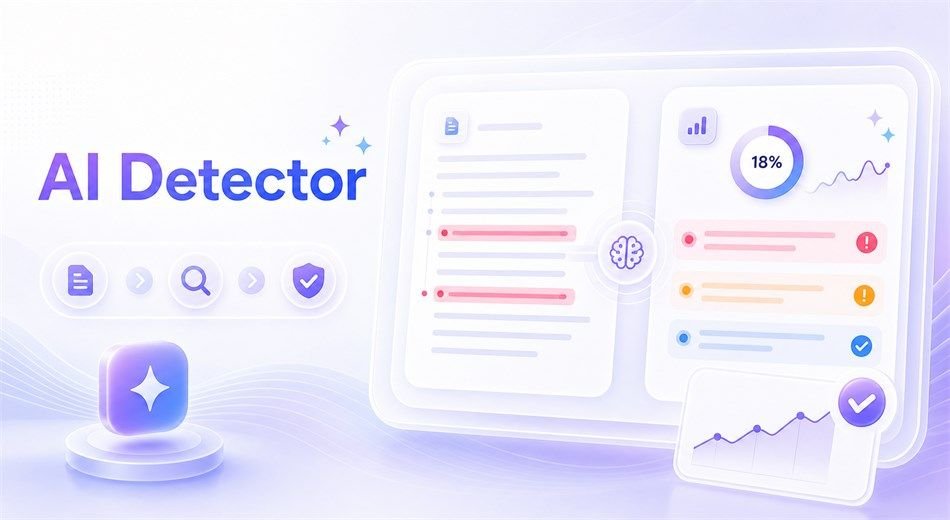
Ever pasted your own paragraph into a detector and watched it scream “87% AI”? Yeah, me too. And I wrote every single word. If you’re sending guest posts to sites like this one, that number can mess with your head fast, because editors are getting pickier and nobody wants a rejection email over a false alarm. So what do these tools really tell you? Let’s go through how they work, how to read a score, what a decent tool looks like, and what to do when your draft gets flagged.
What a checker actually does
These tools don’t “know” who wrote your text. They hunt for patterns: sentences that are weirdly even in length, stock phrases, wording that’s a bit too predictable. Then they hand you a probability. Not proof. Think of an aiチェッカー as a smoke alarm, not a judge. It tells you to go look around, not that there’s a fire. Honestly, that one mindset shift saved me a ton of stress.
Reading the score without panicking
A few things I wish somebody had told me earlier:
- There’s no magic cutoff. Nobody can say “above 60% means AI.” Neat, polished human writing can land way up there.
- The middle zone (roughly 30–60%) is a shrug. Drafts that began as an AI outline and got a heavy human rewrite usually sit here.
- Short snippets are unreliable. Under a few hundred characters, the result’s basically a coin flip.
- Non-native English writers get flagged more. Textbook-perfect grammar can look “machine-ish,” which is a real headache for plenty of guest bloggers.
What to look for in a tool
Lots of free checkers give you one lonely number and call it a day. Not much help when you need to know which lines are the problem. My short list:
- Sentence-level highlights, so you can fix exact lines.
- A Human / AI / Mixed breakdown instead of a plain yes-or-no.
- Real multilingual support. Many tools are English-first and shaky elsewhere.
- File upload or bulk scanning if you check a lot of drafts.
- Clear privacy rules. Find out whether your text gets stored.
If you want most of that in one place, a 生成aiチェッカー like isgen.ai is worth a quick test. It says it covers 80+ languages, the free box takes up to 5,000 characters, and its FAQ says it doesn’t store your data (paid plans keep a history you can delete). The accuracy numbers are the company’s own claims though, so test it yourself. Run one paragraph you know is human and one straight from a chatbot, then see what happens.
Fixing a flagged draft (the human way)
A friend of mine got a solid travel post flagged at 70%. Nothing shady. She’d just written three super-tidy paragraphs in a row. She added a story about missing a train in Osaka, cut two “it’s important to note” lines, and the score dropped hard. Not magic. Just more her.
Try this:
- Focus on the highlighted sentences only.
- Add specifics: names, numbers, a small story, an opinion.
- Mix short and long sentences. Like this one.
- Keep your drafts and version history. If an editor asks questions, you’ve got receipts.
Here’s where I land
Use the checker as a second pair of eyes, not the boss. Run the draft, look at the flagged bits, fix them in your own voice, then submit with a clear head. Got a detector horror story of your own? Drop it in the comments, share this with a blogger friend who’s stressing over scores, and try your next draft on isgen.ai before it goes out.
FAQ
Can a checker prove I used AI? Nope. It estimates likelihood, that’s all.
Is it okay to edit an AI-assisted draft? Depends on the site’s rules. When in doubt, say so upfront.